Getting Started
First voyage
What you will do in your first few minutes, in order.
- 1
downloadGet the game
darkofsea.com › Download: the Dark of Sea Launcher for Windows or the APK for Android. Create your account on the website or on the game's login screen. With Remember me the login screen saves up to 10 accounts; the password is never stored on the device and is asked again every 30 days. Up to 4 accounts can play at once on one device.
- 2
directions_boatMeet your ship
Everyone starts with the Boat: 20,000 HP, 15 cannons. Stronger ships are on the First goals page.
- 3
near_meSet sail
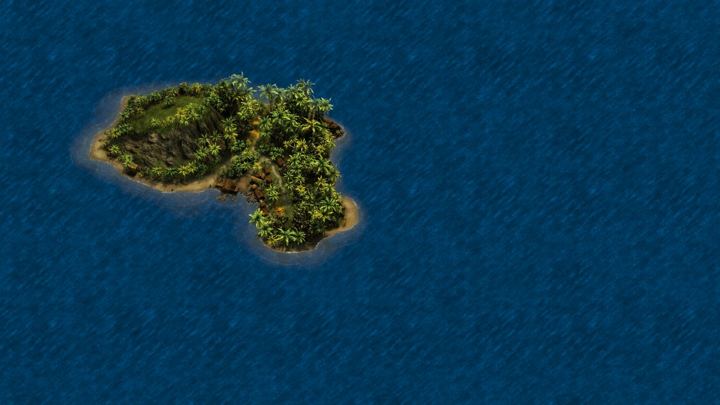
Left-click a spot at sea and your ship sails there. At the edge of the map, press C or Tab to cross to the neighbouring map.
- 4
my_locationPick a target
Click an enemy with the left or middle button. Blackbeard's Pirates, Calico's Jack and Rackham roam the first maps.
- 5
local_fire_departmentOpen fire
Start firing with F and stop with E. Pick the cannonball from the quick belt on the bottom bar (1–9, 0).
- 6
auto_awesomeCollect sparkles
Click the sparkles (pearl boxes) at sea and your ship picks them up. For a sparkle under an enemy, use left Ctrl + left-click. Each sparkle gives one reward from the table below.
- 7
buildRepair
Press R to repair. It can start 8 seconds after the last hit and restores 2,500 HP every 4 seconds (VIP 3,750).
- 8
replayIf you sink
Press Respawn. Your ship returns to sea after 3 seconds at the earliest, with 7,500 HP (VIP: 20% of full HP, at least 7,500).
 What a sparkle gives
| Reward | Amount | Chance |
|---|---|---|
| Gold | 1,000–10,000 | %25 |
| HP | +100–350 | %25 |
| Pearls | 50–100 | %10 |
| TP | 2–15 | %10 |
| Gunpowder | 1–5 | %8 |
| Armor | 1–5 | %8 |
| Speed Stone | 1–2 | %5 |
| Elite Harpoon | 1–2 | %5 |
| Skyfire | 1–2 | %4 |