Getting Started
Controls & shortcuts
The default keys. F, E, Q, R, Space and C can be changed in Settings › Key Bindings; Tab and the number keys are fixed.
Keyboard
| Key | What it does | |
|---|---|---|
| F | 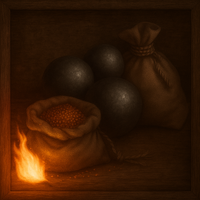 | Fire |
| E | 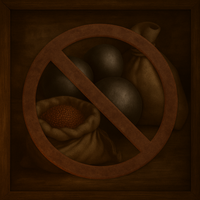 | Stop firing |
| R | 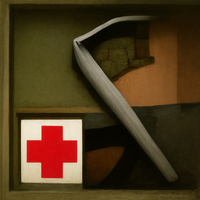 | Repair |
| Q | 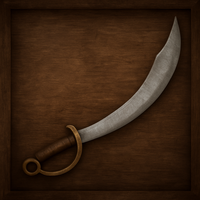 | Seize: take 10% of the gold of a nearby enemy player on your map whose HP is below a quarter and whom you hit in the last 60 seconds. A seized ship is protected for 30 minutes. |
| Space |  | Centre the camera on your ship |
| C Tab | Jump to the neighbouring map (at the map edge) | |
| 1–9 0 | Pick the cannonball or item on the quick belt |
Mouse
| mouse Left-click · sea | Your ship sails there |
| mouse Left / middle click · enemy | Selects the target |
| mouse Left Ctrl + left-click | Sails onto it without targeting; picks up a sparkle beneath |
Changing keys
Settings › Key Bindings: click a box and press the new key. Delete or Backspace clears it, Esc cancels. Restore Defaults resets everything. Changes apply immediately.
On Android
- Tap the sea and your ship sails there. The joystick at the bottom left pans the camera; while holding it you can tap with a second finger to steer.
- Buttons on the right: Fire, Stop, Ammo, Harpoon, Items, Repair and Target.
Found a mistake on this page? Report it via SupportGame data 1.4.1